Viridian · Case study
LiSEC CAD & Parts Reference
A Locally Hosted Catalogue For Navigating Machines, Assemblies And Spare Parts.
Experience In Practice
Skills Applied
Technical Skills
Soft Skills
How The System Fits Together
System Architecture
A Walk Through The Software
From Start To Finish
Open the shared catalogue over the local network, select the machine, then follow its assembly tree to the component you need.
Step 01
Open The Catalogue Over The LAN
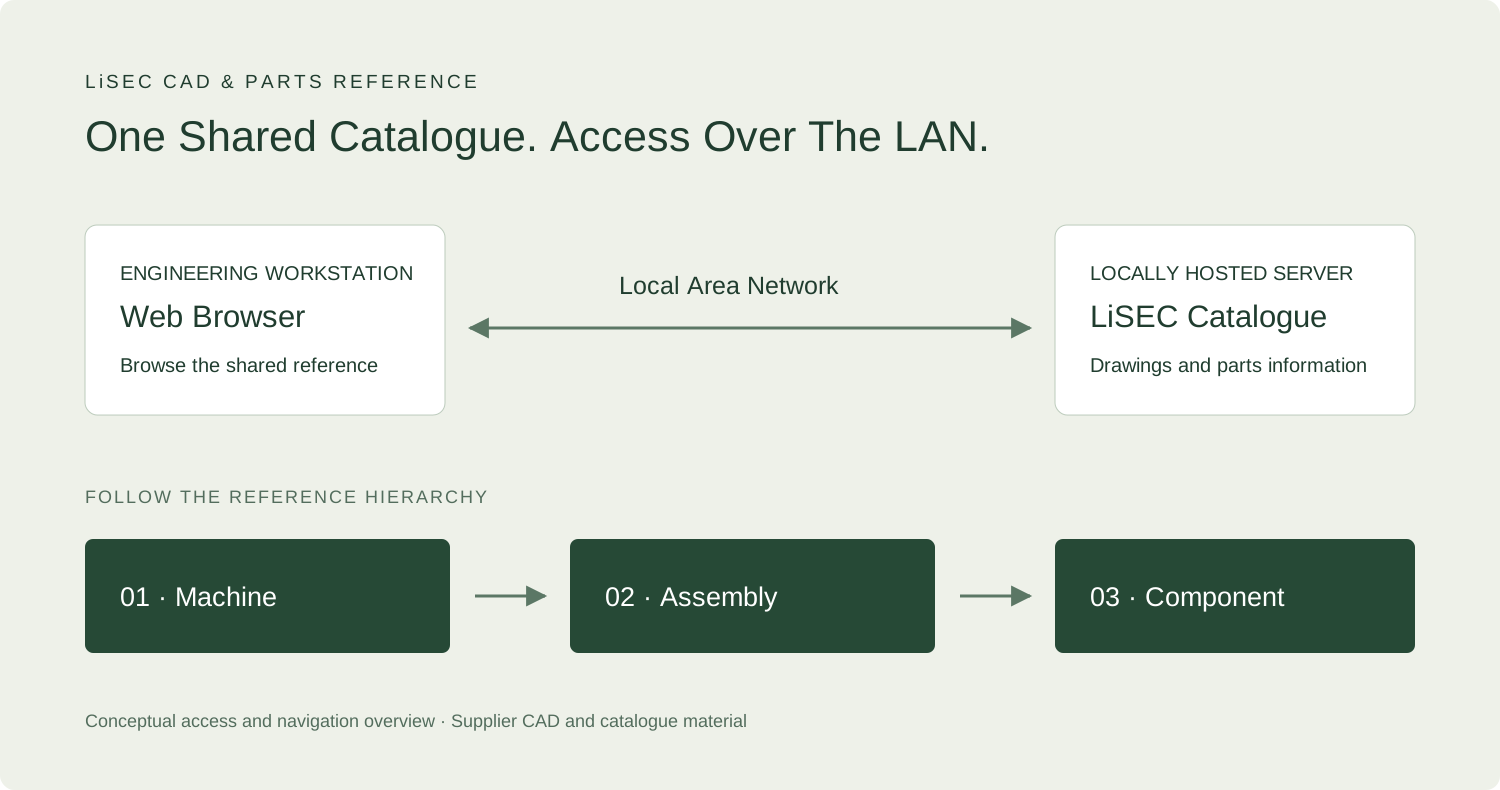
The catalogue runs on a locally hosted server and is accessible from devices connected to the local area network. An engineering workstation opens the catalogue in a browser to reach the shared machine drawings and parts-reference interface.
Step 02
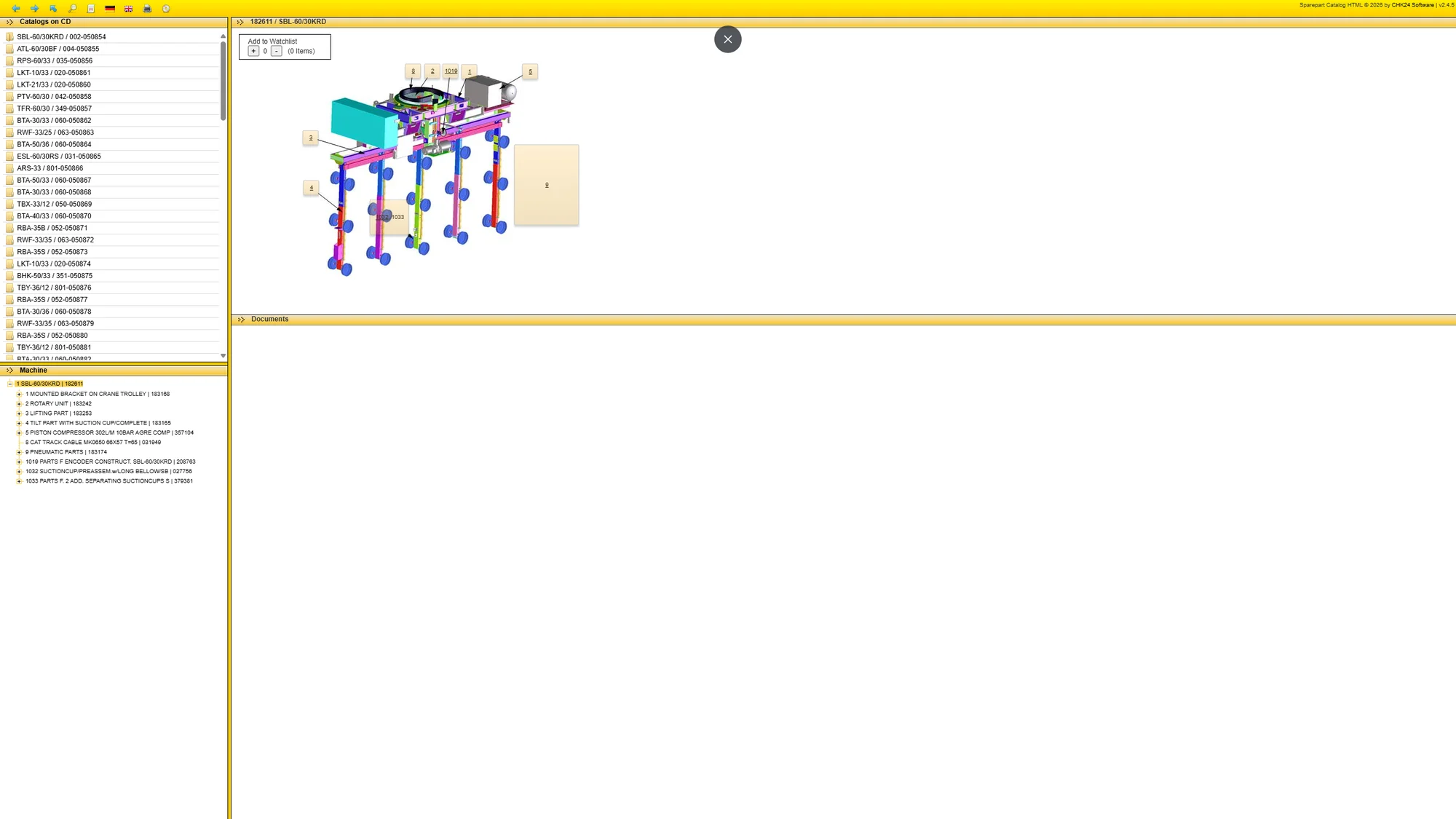
Select The Machine
Choose the relevant machine from the catalogue tree. Its complete mechanical drawing establishes the equipment context before you move into individual assemblies. The tree and drawing provide two connected ways to locate the area of interest.
Step 03
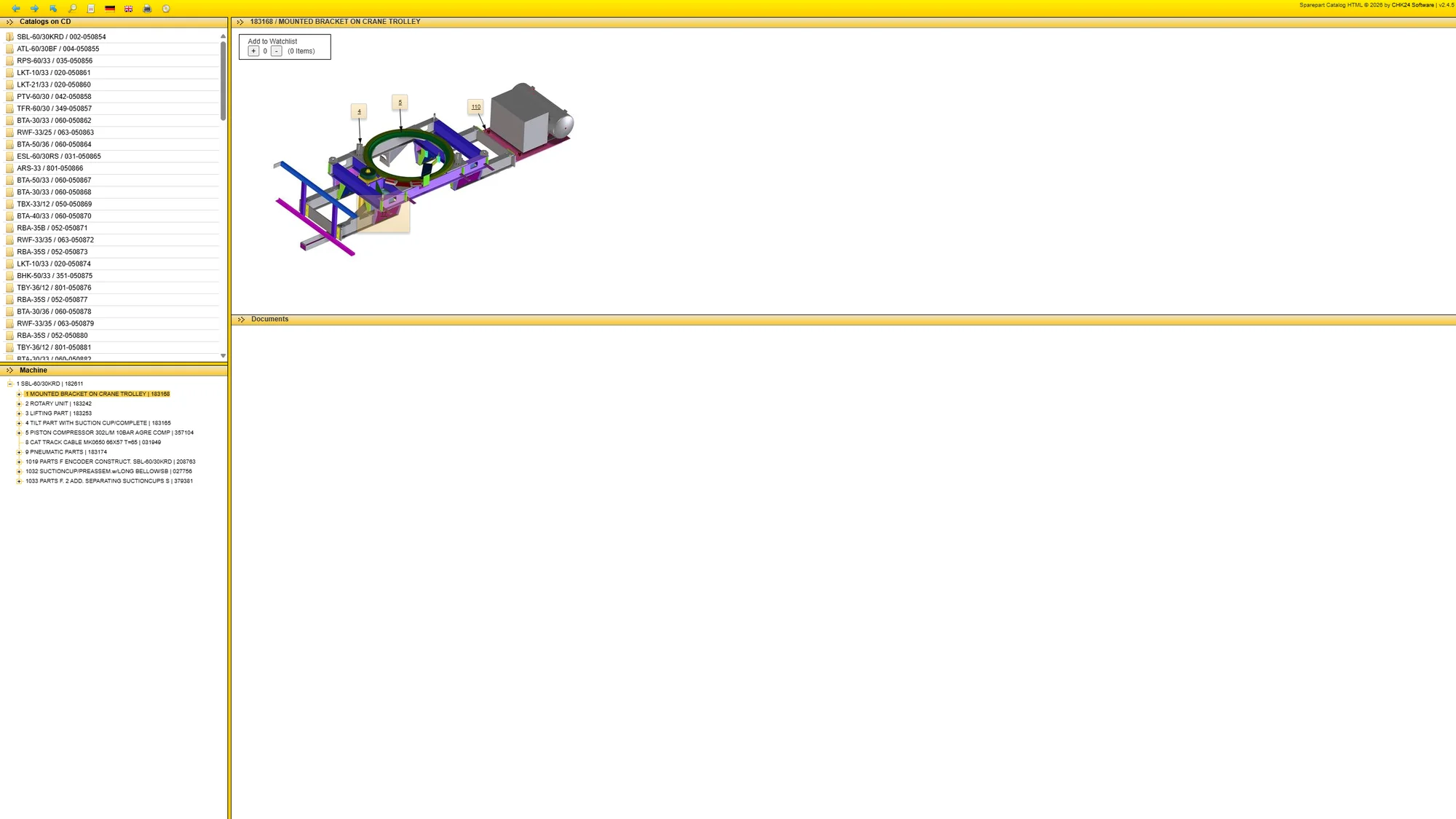
Navigate Into The Assembly
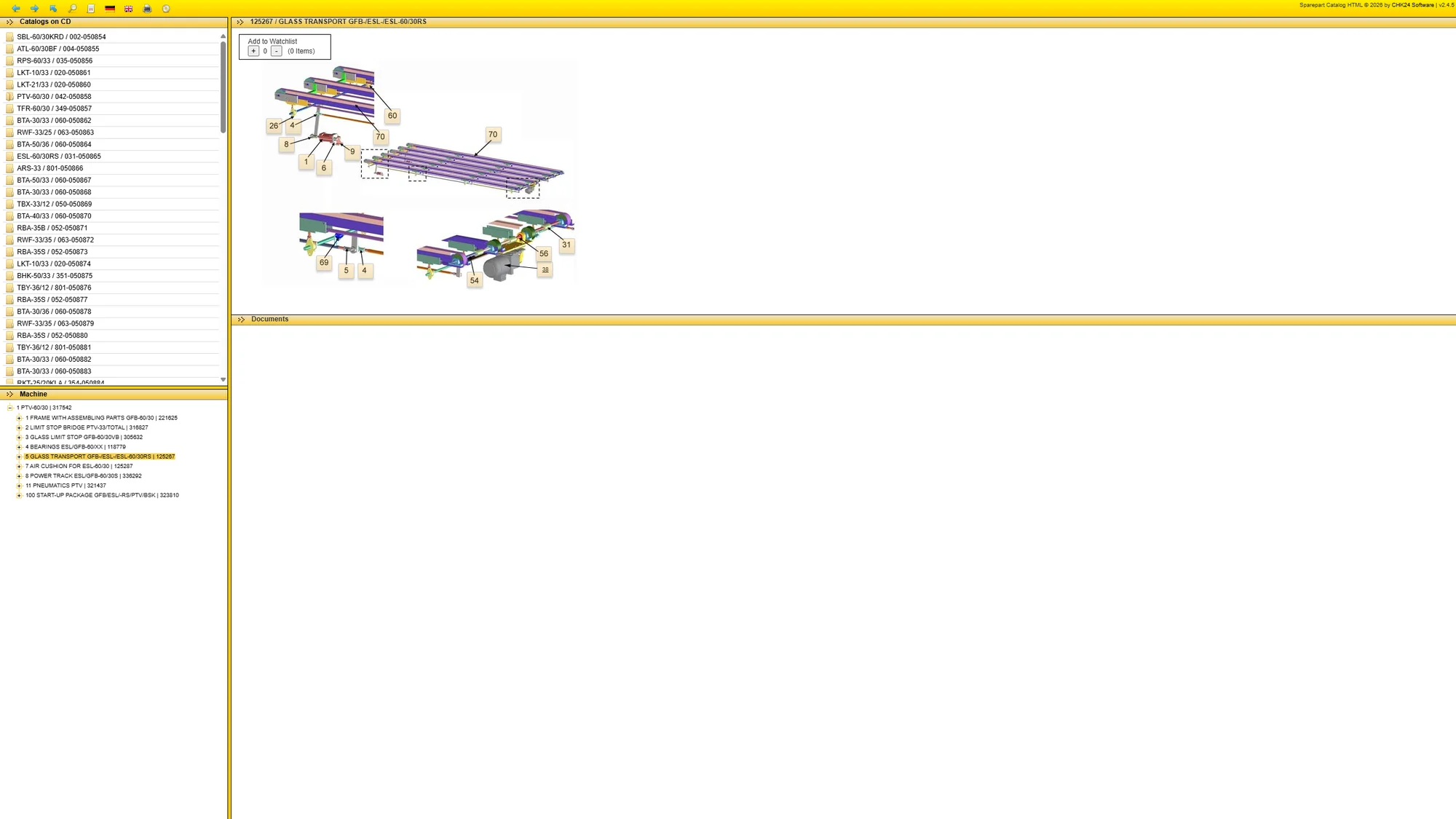
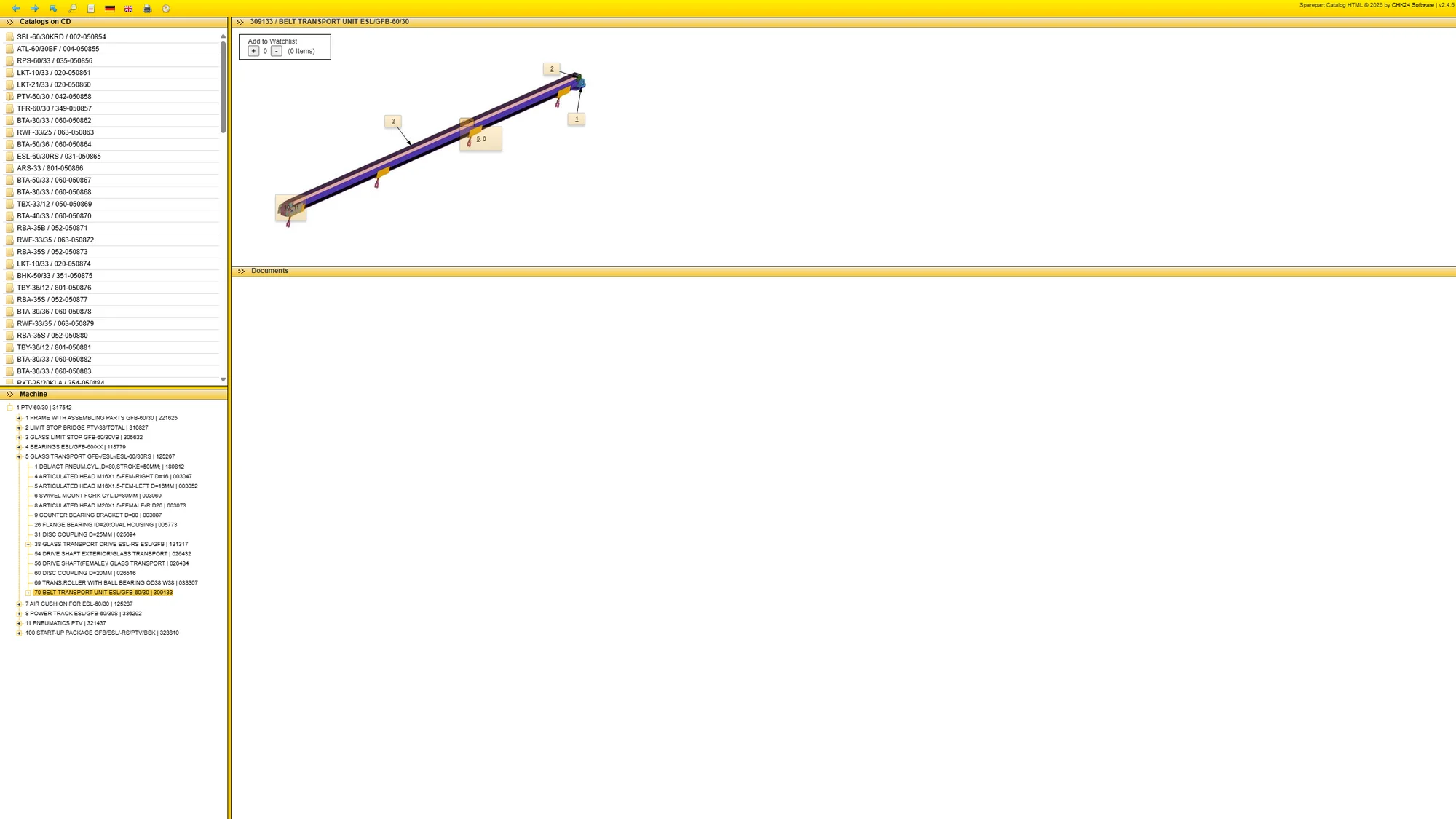
Expand the machine hierarchy and select the relevant assembly. The more focused view shows how the components fit together, with callouts that connect the drawing to the catalogue’s parts structure.
Step 04
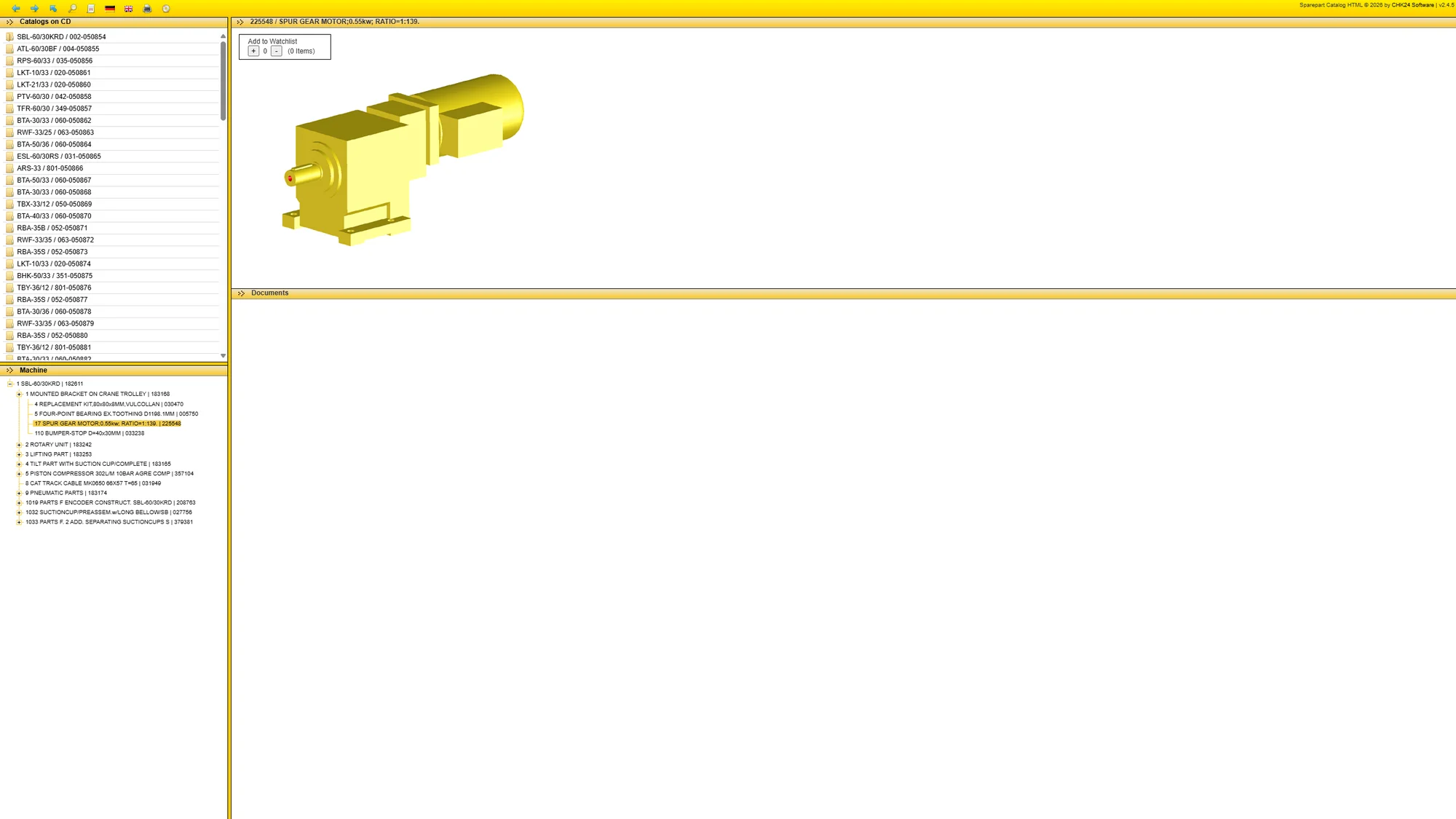
Inspect The Component Reference
Follow the assembly down to the component you need to identify. The geared-motor example shows the transition from an assembly-level drawing to a specific part view. That reference supports further inspection, supplier enquiries and spare-parts identification.
Step 05
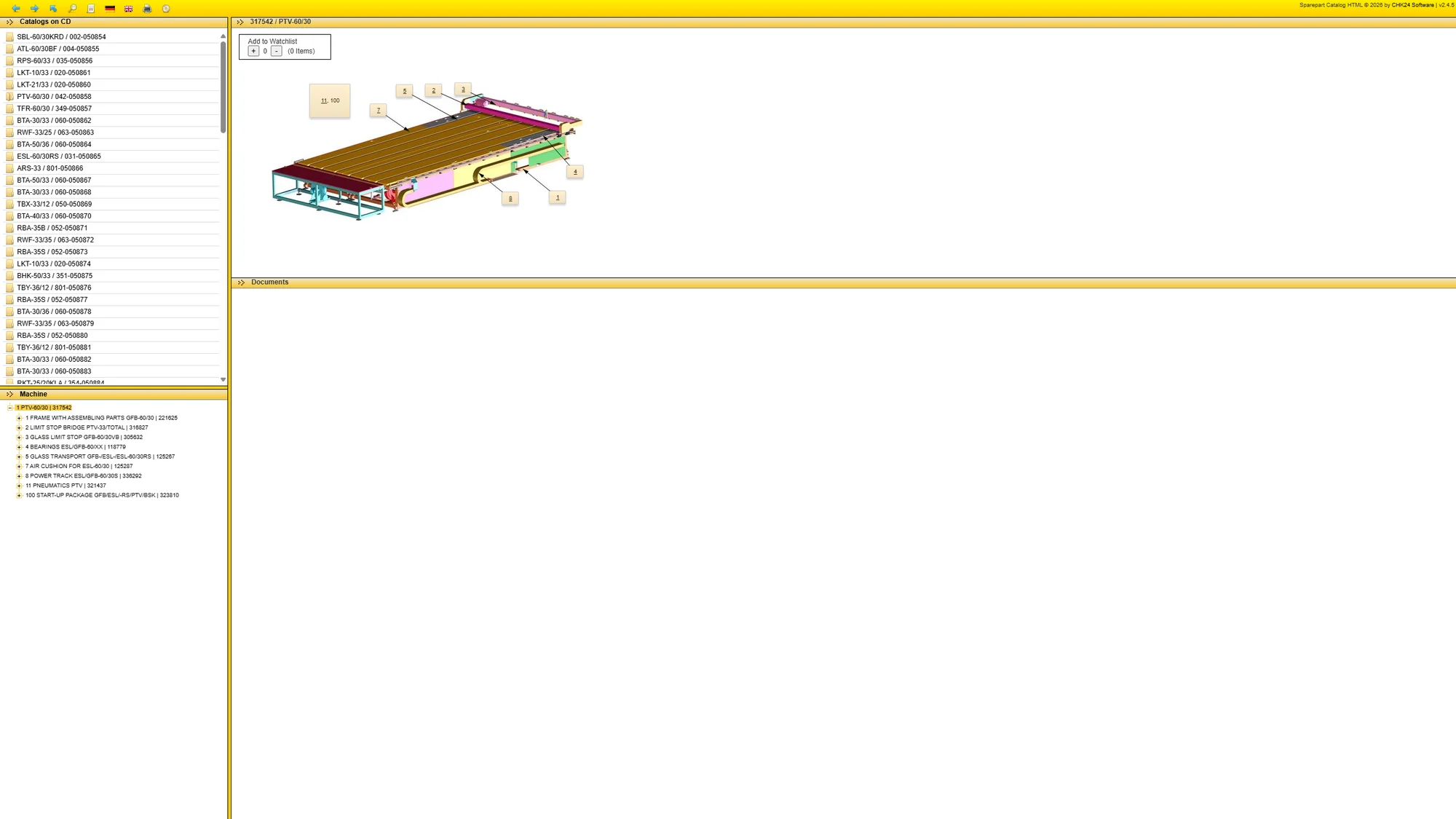
Apply The Same Workflow To The Cutting Table
The same browsing pattern applies to other equipment in the catalogue. Start from the PTV laminate-glass cutting-table overview and move through its subassemblies, relating each drawing back to the physical machine.
Connect The Reference To Maintenance Work
The shared browser interface makes the reference collection accessible across the local network. Machine, assembly and component views support drawing interpretation, physical investigation and parts enquiries.
Engineering Use Of Supplier Reference Material
My work connects these drawings with maintenance investigation and spare-parts identification. The CAD assemblies and catalogue application are supplier material; the walkthrough explains how the locally hosted reference is used.
The Engineering Journey
Locate
Find the relevant machine and assembly in the reference hierarchy.
Interpret
Relate the drawing and component callouts to the installed equipment.
Identify
Use the component reference to support parts enquiries and maintenance planning.
What This Experience Achieved
The result
A clearer connection between machine-level drawings, assembly details and component references for maintenance investigation.
Technical decisions & tools
The catalogue is served from a local host and accessed through a web browser over the LAN. This portfolio shows its workflow through screenshots; it does not publish the running catalogue or the supplier archive.
The CAD models and catalogue software remain supplier material, with attribution visible in the supplied screenshots.